
Septenary1.0.5 - App Store
You'll be able to see results in few seconds.
Publisher Description
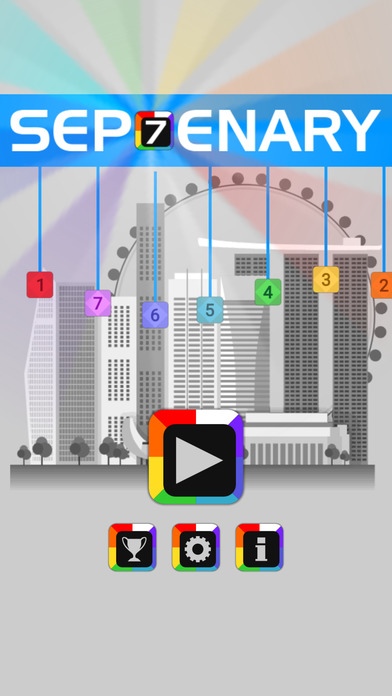
Septenary is an addictive number strategy game based on a simple mechanic: move number tiles around on a 8x8 grid so that same-number tiles touch each other and fuse into a larger number tile. The larger the number, the higher the score. Fusing more than three tiles and creating chains grant special tools that can help in tricky situations.
After every move, random tiles appear. As the play continues, the number of random tiles will increase, but more special tool slots will be unlocked. The shifting challenge forces the player to adjust their tactics progressively. How long can one last before the game board is filled up?
Features
========
- A Campaign mode comprising 80 levels with 4 types of goal.
- An insanely addictive Endless mode, to be unlocked after completing 20 campaign levels.
- Various types of special tools to be progressively unlocked at high levels.
- Compete on 6 leaderboards and unlock 10 achievements.
- No micro-transactions, no pay to win.
- Developed with Unity.
Gameplay Video:
https://www.youtube.com/watch?v=-6AZOs8AXSQ
Requires iOS 6.0 or later. Compatible with iPhone, iPad, and iPod touch.
About Septenary
The company that develops Septenary is Kok Seng Chong. The latest version released by its developer is 1.0.5.
To install Septenary on your iOS device, just click the green Continue To App button above to start the installation process. The app is listed on our website since 2015-02-11 and was downloaded 0 times. We have already checked if the download link is safe, however for your own protection we recommend that you scan the downloaded app with your antivirus. Your antivirus may detect the Septenary as malware if the download link is broken.
How to install Septenary on your iOS device:
- Click on the Continue To App button on our website. This will redirect you to the App Store.
- Once the Septenary is shown in the iTunes listing of your iOS device, you can start its download and installation. Tap on the GET button to the right of the app to start downloading it.
- If you are not logged-in the iOS appstore app, you'll be prompted for your your Apple ID and/or password.
- After Septenary is downloaded, you'll see an INSTALL button to the right. Tap on it to start the actual installation of the iOS app.
- Once installation is finished you can tap on the OPEN button to start it. Its icon will also be added to your device home screen.
Program Details
System requirements
Download information
Pricing
Version History
version 1.0.5
posted on 2015-02-11
Disclaimer
Official App Store Link
We do not host Septenary on our servers. We did not scan it for viruses, adware, spyware or other type of malware. This app is hosted by Apple and passed their terms and conditions to be listed there. We recommend caution when installing it.
The App Store link for Septenary is provided to you by apps112.com without any warranties, representations or guarantees of any kind, so access it at your own risk.
If you have questions regarding this particular app contact the publisher directly. For questions about the functionalities of apps112.com contact us.
